
By Terence Walsh | TWDA Design | Northumberland web design
Reading time: ~6 minutes | Category: Business Tips
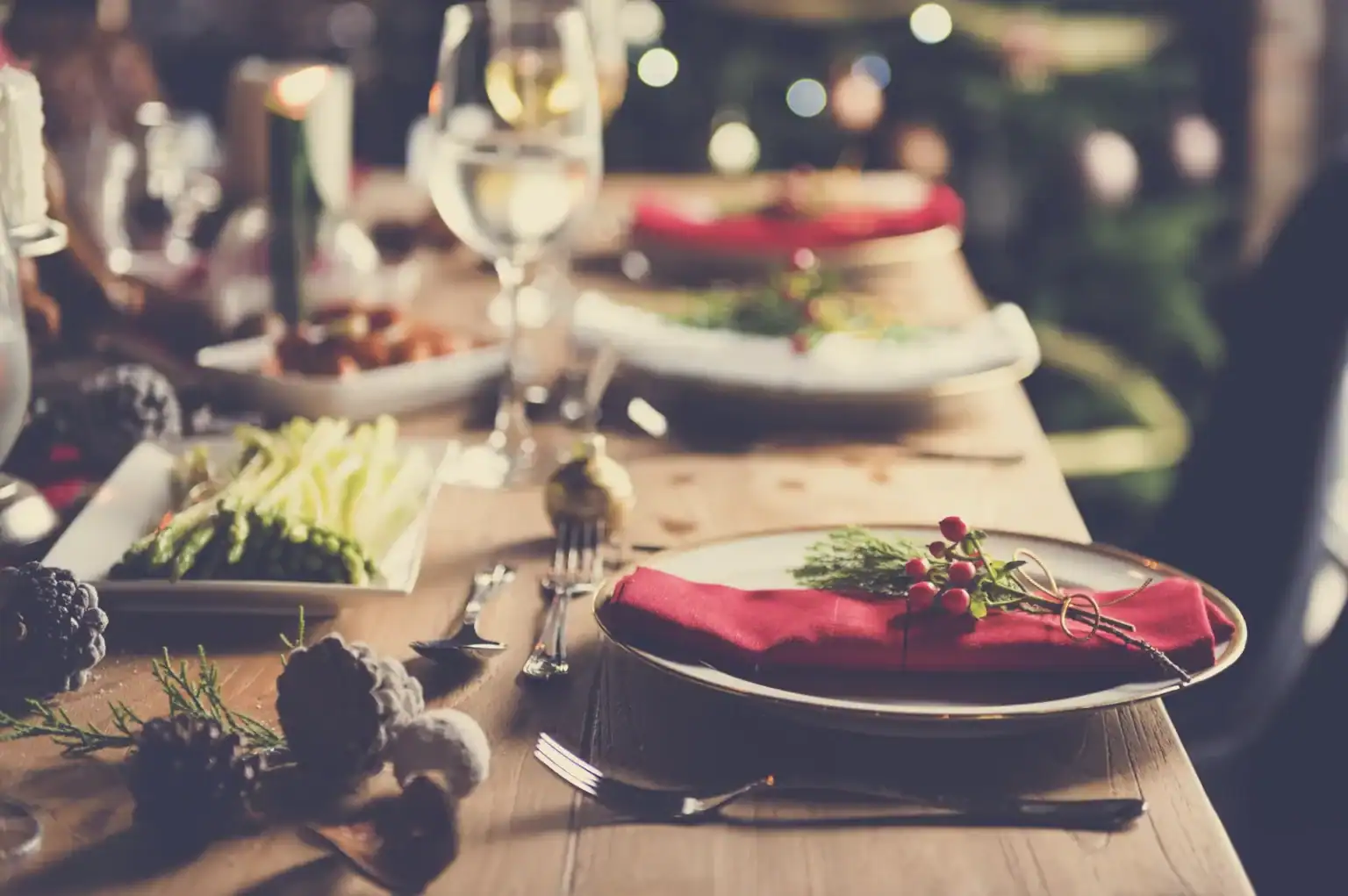
It might feel early to be talking about Christmas while the schools have only just gone back, but if you run a pub, restaurant, hotel or holiday let in the North East you already know that the festive season is decided in September. Office managers are ringing round for party venues now. Families are pencilling in Christmas lunch. Couples are looking for a cottage between Christmas and New Year. By the time the lights go up in Hexham and Alnwick, the good slots are gone, which is why getting your website ready for Christmas bookings is a September job, not a November one.
The problem is that a lot of hospitality websites are still wearing their summer clothes. The menu is the one from June, the “book a table” button goes to an inbox nobody checks on a Sunday, and Google is telling people you’re open on Boxing Day when you’re not. None of these are hard to fix, but every one of them costs bookings.
Here’s a practical run-through of what to check on your website and your Google listing this month, so that when someone goes looking for a Christmas venue in Northumberland, Tyneside or the Durham dales, they find you and can book without ringing three times.
“The single most common thing we see in autumn is a beautifully designed Christmas menu sitting in a PDF that nobody can find on a phone. If your festive offer only exists as a download, half your visitors will never see it. Put it on a proper page first, then offer the PDF as an extra.”
Don’t bury the festive offer in a news post or a slider that scrolls past in four seconds. Create a dedicated page called something plain like “Christmas 2026” or “Festive Menus & Parties”, link to it from your main navigation, and add a banner or button on the home page. That single page becomes the thing you share on social media, the thing you send to enquiries, and the thing Google shows when someone searches for “Christmas party venue Hexham”.
Checklist:
PDF menus are fine as a supplement but terrible as the only option. They’re slow to open on mobile, they don’t resize, they can’t be read by Google properly, and they’re a pain to update when the chef changes the starter. Build the Christmas menu as ordinary page content with headings for each course, then link a printable PDF underneath for people who want it.
Checklist:
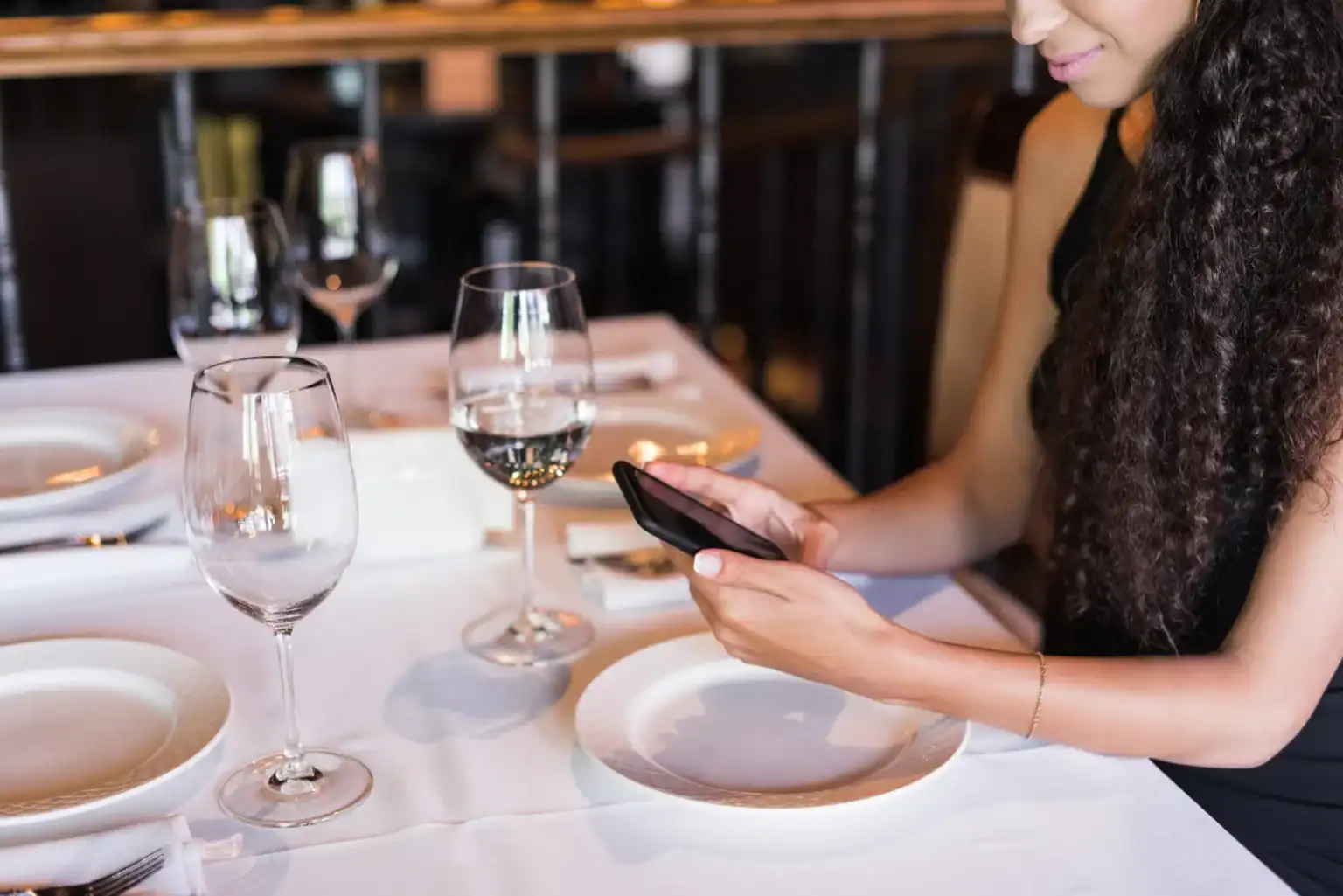
Test your own booking process on your phone, as a customer would. Does the “Book now” button go somewhere useful? If it opens an email form, who reads it, and how quickly? If you use a booking system (ResDiary, OpenTable, Tablein, a hotel channel manager), are the Christmas dates loaded with the right capacity and the right sitting times? For party nights and Christmas Day, most venues take a deposit, so make sure the site explains how that works before people get to the phone.
Checklist:
For most local hospitality businesses, more people see the Google listing than the website. So this is the one to get right first. Update your opening hours for the whole festive period, including the days you’re closed. Google lets you set “special hours” for specific dates, and if you don’t, it will happily tell people you’re open as usual on Christmas Day. Add your Christmas menu as a post, upload a few recent photos, and make sure the website link goes to your Christmas page rather than the home page.
Checklist:
If your listing isn’t verified yet, or you’ve been asked to re-verify, have a look at our earlier post on Google’s video verification process, because it’s changed and it catches people out.
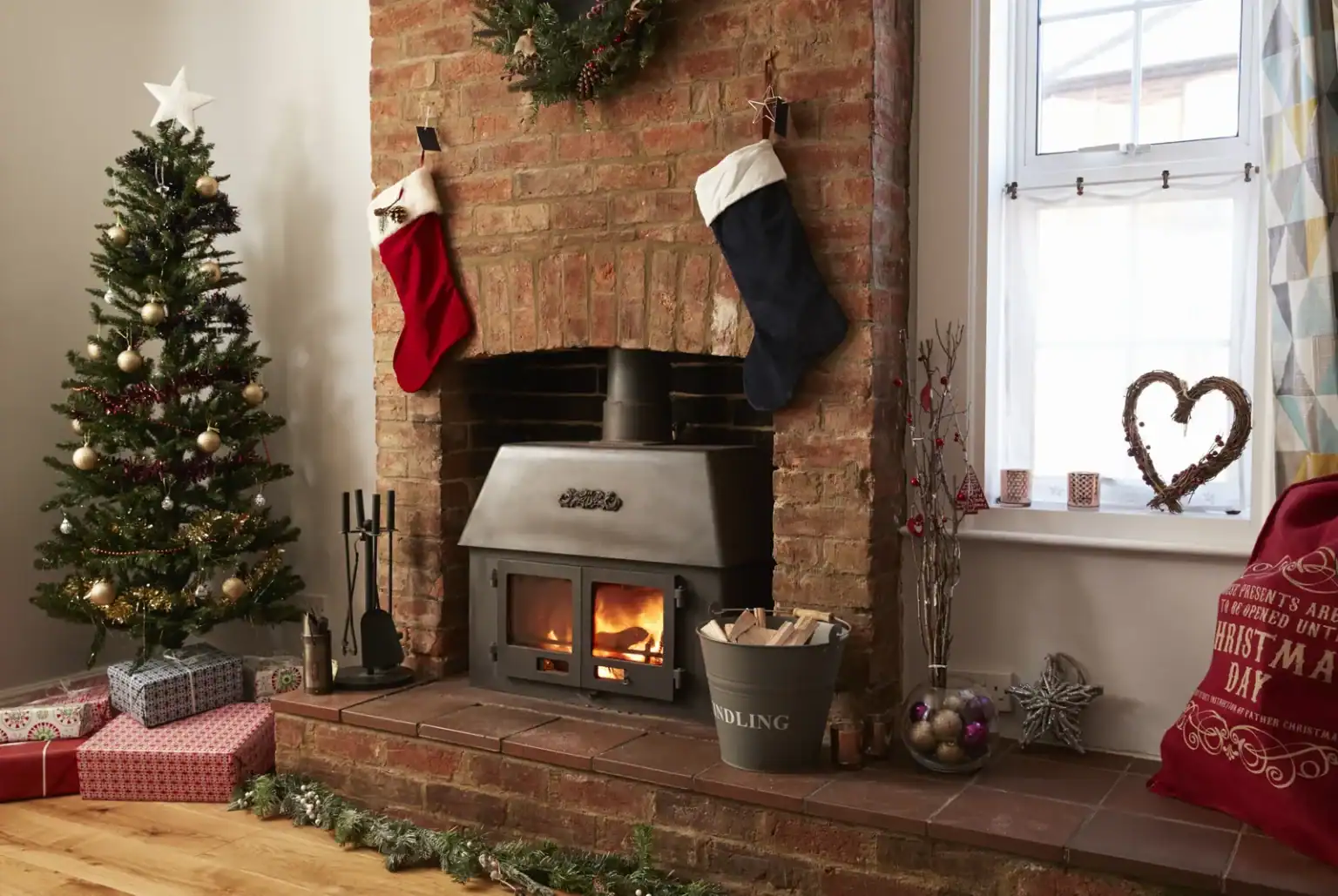
If you have rooms or a holiday cottage, the week between Christmas and New Year is one of the busiest of the year for the North East, particularly around Kielder, the Coquet valley and the coast. Decide now whether you’re offering festive packages, what the minimum stay is, and whether you want Christmas Day itself bookable. Then make sure your booking calendar and your website say the same thing. A page that promises a “festive break” with no dates or prices just generates emails.
Checklist:
Most people looking for a Christmas venue will do it on a phone, often while they’re already out. Check the Christmas page loads quickly on mobile data, that the phone number is tappable, that the menu is readable without pinching, and that your booking form works on a small screen. While you’re there, check the footer doesn’t still say 2025 and that the “latest news” isn’t from Easter.
Checklist:
Once the page exists, use it. Share it on Facebook and Instagram, post it to Google, put it in an email to past customers, and pin it. Then do it again in October and November, because people don’t book from a single post. If you’ve got a mailing list from previous years’ bookings, this is exactly what it’s for.
Checklist:
For most venues, a Christmas page, updated menus and a tidy-up of the Google listing is a day’s work or less, and it’s work that pays for itself with the first party booking. If your site is on WordPress and you’re comfortable editing it, everything above is doable yourself. If you’d rather hand it over, we do exactly this for hospitality clients across Northumberland and the North East every autumn, usually turned around within a week.
Either way, do it in September. By the time it feels like Christmas, it’s too late.
Get in touch and tell us what you’re planning – we’ll let you know what’s worth doing and what isn’t. And if you’re still deciding what to do with the site itself, keep an eye on our Latest News for more practical guides.
